Organizing business trips can become time-consuming when employees need to travel frequently for meetings, conferences, training sessions, and client visits. Between finding suitable hotels, comparing flights, and monitoring expenses, companies may struggle to keep everything organized.
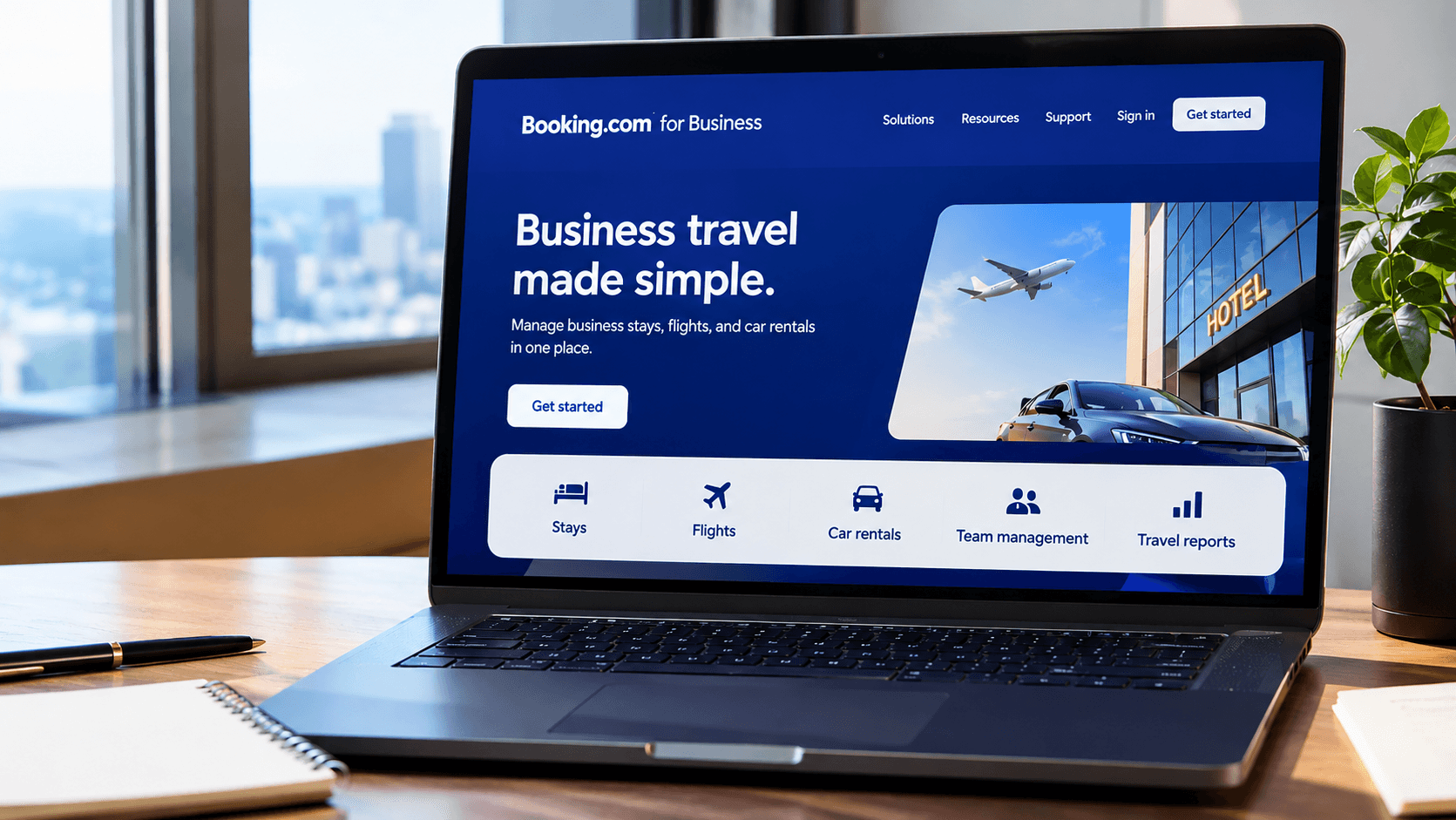
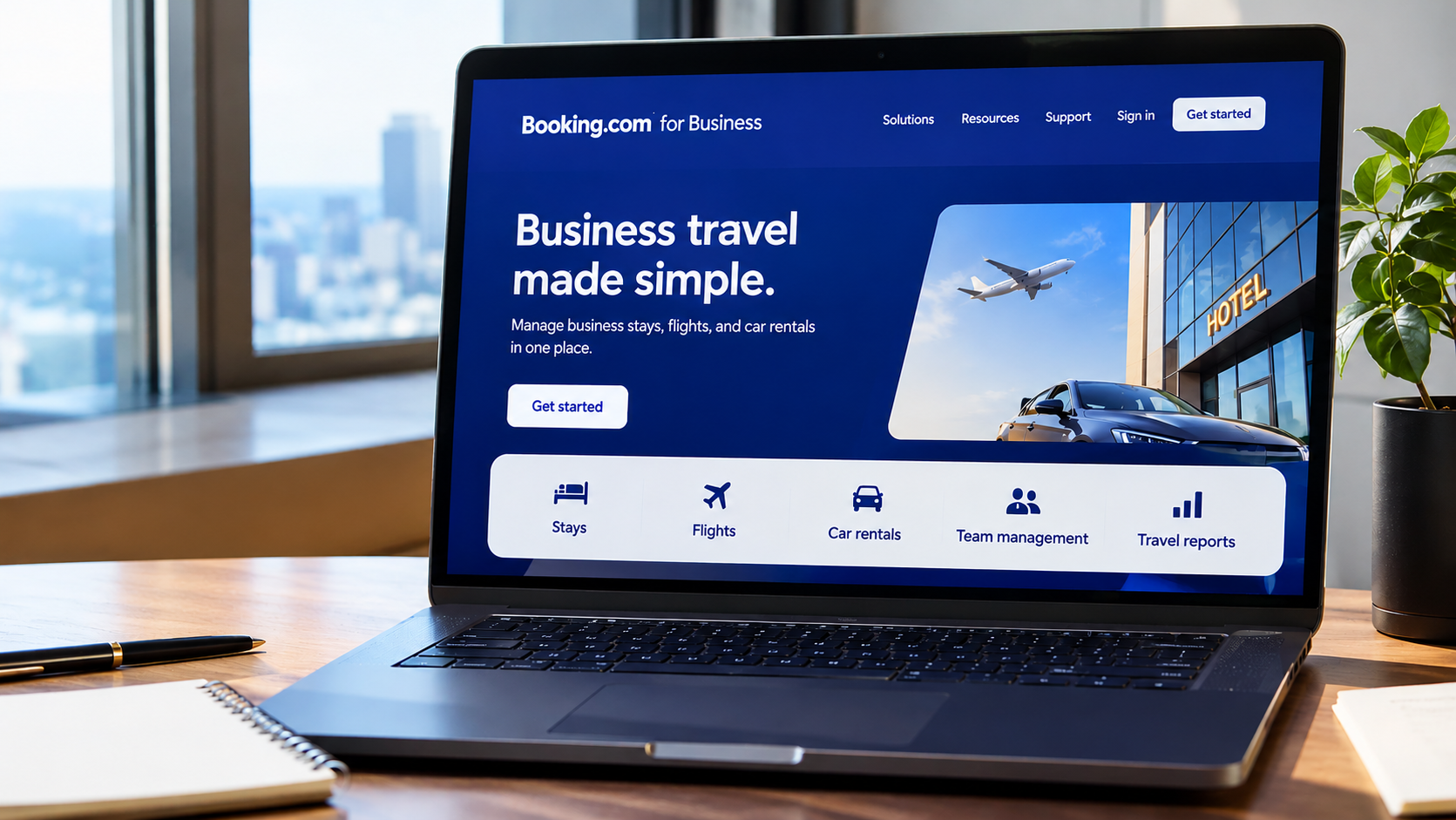
Booking.com for Business provides a centralized platform where companies can arrange accommodations, flights, and rental cars. It may help small and medium-sized businesses simplify their travel arrangements without investing in expensive software.
However, understanding its features, costs, benefits, and limitations can help you determine if the platform fits your company’s travel requirements.
What Is Booking.com for Business and How Does It Work?
Booking.com for Business is an online platform designed to support corporate travel management. It combines travel reservation services with administrative tools that help businesses monitor employee bookings and spending.
Unlike personal travel accounts, a business account allows company administrators to coordinate trips for multiple employees and assign different access permissions.
The platform provides access to:
- Hotels, apartments, and other accommodations
- Domestic and international flights
- Rental cars
- Travel spending reports
- Employee booking management
- Recommended hotel budgets
- Travel assistance
According to its official website, companies can register without paying subscription or platform booking fees. However, businesses remain responsible for their actual travel costs and applicable provider charges. Booking.com for Business+1
Key Features of Booking.com for Business
Understanding the available features can help determine how the platform might fit your existing business operations.
1. Centralized Travel Reservations
Managing several reservations through different websites can make it difficult to track itineraries and payments.
The platform simplifies business travel booking by allowing employees and administrators to arrange transportation and accommodations through a single account.
This setup may be particularly helpful for companies that send employees to different cities or countries throughout the year.
2. Extensive Accommodation Options
Finding suitable accommodations for work trips requires attention to location, pricing, facilities, and cancellation policies.
The platform supports corporate hotel booking across different accommodation types, including budget hotels, business hotels, and serviced apartments.
When comparing properties, check important details such as:
- Distance from meeting venues
- Internet availability
- Workspace facilities
- Breakfast options
- Parking availability
- Check-in and checkout schedules
- Cancellation conditions
A centrally located hotel might cost slightly higher per night, yet it could reduce transportation expenses and commuting time.
3. Business Flight Reservations
Employees can compare flights from full-service and low-cost airlines through the platform. Available options may include different fare classes, departure schedules, and baggage allowances. Booking.com for Business+1
When arranging flights, companies should look beyond the initial ticket price. A cheaper fare may become expensive if employees need additional luggage or flexible ticket conditions.
Flight schedules can also affect employee productivity, particularly when travelers have meetings shortly after arrival.
4. Rental Car Reservations
Rental vehicles may be useful when employees need to visit multiple locations or travel to areas with limited public transportation.
Before confirming a rental, review mileage restrictions, insurance coverage, fuel policies, deposits, and additional driver charges.
Comparing the total rental cost against public transportation or other local transport services might help your company avoid unnecessary spending.
5. Travel Spending Reports
Monitoring business travel expenses becomes increasingly important as a company grows.
The platform includes spending reports that allow administrators to review reservation costs. Downloadable records may help finance teams prepare budgets and examine travel spending patterns. Booking.com for Business+1
Companies might use this information to identify expensive destinations, adjust accommodation budgets, or improve internal reimbursement procedures.
How Much Does Booking.com for Business Cost?
One of the platform’s main advantages is its fee structure. According to its published pricing information, businesses do not pay subscription, account management, or platform booking fees.
The company earns commissions from travel providers instead. Booking.com for Business+1
Nevertheless, using a free travel management platform does not eliminate travel-related expenses.
| Expense Type | Cost Structure |
|---|---|
| Account registration | Free |
| Monthly subscription | No subscription fee |
| Platform booking fee | No platform booking fee |
| Hotel accommodation | Depends on the property and dates |
| Flight reservations | Depends on the airline and fare |
| Rental cars | Depends on the vehicle and rental conditions |
| Reservation changes | Charges may apply |
| Cancellation | Depends on individual booking terms |
| Travel assistance | Complimentary support available |
Always review the final reservation amount before confirming a booking. Taxes, optional services, and provider-specific charges may affect the total cost.
Booking.com for Business vs. Regular Booking.com
Although both services provide access to travel reservations, their intended users and administrative features differ.
| Feature | Booking.com for Business | Regular Booking.com |
|---|---|---|
| Primary purpose | Corporate travel | Personal travel |
| Hotel reservations | Available | Available |
| Flight reservations | Available | Available |
| Car rentals | Available | Available |
| Company-wide spending reports | Available | Not designed for this purpose |
| Employee access permissions | Available | Not designed for this purpose |
| Recommended company hotel budgets | Available | Not designed for this purpose |
| Administrative dashboard | Business-focused | Personal account-focused |
| Loyalty discounts | Available on eligible bookings | Available on eligible bookings |
The business version may be suitable for organizations that need centralized oversight. Meanwhile, a regular account might be sufficient for individuals arranging personal vacations or occasional independent trips.
How Booking.com for Business May Help Reduce Travel Costs
Corporate travel expenses can vary significantly depending on destinations, reservation dates, employee requirements, and travel policies.
The platform provides several ways businesses might manage these costs.
Access to Eligible Travel Discounts
Through the Genius loyalty program, eligible users may receive accommodation discounts of up to 20% and rental car discounts of up to 15%, according to the official pricing page.
Actual savings depend on participating providers, availability, and applicable conditions. Booking.com for Business+1
Companies should still compare discounted prices against other available rates before making reservations.
Establish Recommended Hotel Budgets
Administrators can establish recommended accommodation budgets for different countries and cities.
This feature may help employees select hotels that fit company spending guidelines. However, businesses should verify how these recommendations align with their internal approval procedures.
Compare Total Travel Expenses
A low room rate does not necessarily result in an affordable business trip.
For example, the following hypothetical comparison shows how accommodation location and included facilities could affect daily expenses.
| Daily Expense | Hotel A | Hotel B |
|---|---|---|
| Room rate | $100 | $120 |
| Breakfast | $15 | Included |
| Local transportation | $30 | $10 |
| Total daily cost | $145 | $130 |
In this example, Hotel B has a higher room rate yet results in a lower estimated daily expense.
Evaluating the entire trip budget may help companies make better purchasing decisions.
Who Should Use Booking.com for Business?
The platform may be particularly suitable for businesses looking for straightforward employee travel management without recurring software fees.
| Business Type | Potential Use |
|---|---|
| Small businesses | Occasional client meetings and work trips |
| Medium-sized companies | Coordinating travel across departments |
| Startups | Managing limited travel budgets |
| Remote teams | Arranging company gatherings and training |
| Consulting firms | Organizing client visits |
| Sales teams | Booking frequent regional trips |
| Event organizers | Coordinating accommodations for staff |
Companies with advanced approval requirements, specialized accounting systems, or extensive international travel policies should evaluate available integrations and administrative controls before adopting the platform.
What to Check Before Creating a Business Account
Selecting a corporate travel service requires an understanding of your company’s current needs.
Travel Frequency
If employees travel regularly, centralized reservations and reporting may reduce administrative work.
For businesses that arrange only a few trips annually, simpler booking procedures might already meet their requirements.
Cancellation and Modification Policies
Business plans can change unexpectedly. Meetings may be postponed, conferences might be canceled, and employees may need to adjust their schedules.
Flexible reservations could help reduce financial losses, although these rates may cost extra.
Always read the cancellation and refund conditions before confirming a reservation.
Accounting and Invoice Requirements
Companies should establish clear procedures for collecting receipts, requesting invoices, and processing reimbursements.
For accommodation and car rental invoices, the platform advises customers to contact the respective travel provider directly. Booking.com for Business+1
This might require additional administrative work for finance teams that need detailed documentation.
Employee Permissions
Not every employee needs administrative access.
Assigning appropriate permissions can help prevent unauthorized changes and establish accountability for travel reservations.
Businesses should determine who can arrange trips, modify bookings, review expenses, and update company settings.
Pros and Cons of Booking.com for Business
Like other corporate travel services, the platform has benefits and limitations that companies should evaluate.
| Pros | Cons |
|---|---|
| No subscription fees | Actual travel costs still apply |
| Centralized travel reservations | Cancellation charges may apply |
| Wide selection of accommodations | Discounts depend on eligibility |
| Employee access management | Some invoices require direct provider contact |
| Travel spending reports | Advanced accounting needs may require separate tools |
| Complimentary travel support | Self-service setup may not suit every company |
| Recommended hotel budgets | Internal approval procedures may still be necessary |
The platform may be a practical choice for businesses seeking basic travel administration without a substantial software investment.
However, companies with specialized requirements might prefer a corporate travel service with dedicated account management or advanced approval automation.
How to Get Started With Booking.com for Business
Companies interested in using the service can follow these general procedures:
- Visit the official Booking.com for Business website.
- Register a company account.
- Complete the required company information.
- Invite employees who need travel access.
- Assign appropriate user permissions.
- Establish accommodation budgets and internal travel guidelines.
- Compare available hotels, flights, and rental vehicles.
- Confirm reservations and monitor associated expenses.
Testing the platform with a few business trips before adopting it company-wide may help administrators identify potential issues.
Frequently Asked Questions
Is Booking.com for Business free to use?
Yes. The platform does not charge registration, subscription, or platform booking fees. However, customers must pay for their actual travel reservations and applicable provider charges.
Is Booking.com for Business suitable for small businesses?
Yes. Small businesses may benefit from its centralized reservations, spending reports, and lack of recurring subscription fees.
Can employees arrange their own business trips?
Yes. Administrators can assign permissions that allow employees to make and manage their own reservations.
Does Booking.com for Business provide travel support?
The platform advertises complimentary 24-hour travel assistance. Support availability and communication options may depend on language and the type of reservation.
Are corporate travel discounts guaranteed?
No. Discounts depend on participating travel providers, loyalty eligibility, reservation dates, and availability.
Can companies track employee travel spending?
Yes. Administrators can access spending information and download reports to assist with financial planning.
Can business travel reservations be canceled?
Yes, subject to the applicable hotel, airline, or rental car provider’s conditions. Cancellation fees or nonrefundable charges may apply.
Is Booking.com for Business Worth Using?
Booking.com for Business may be a suitable option for companies seeking an affordable and organized way to manage work-related travel.
Its centralized reservation system, spending reports, employee permissions, and eligible discounts could help simplify daily administrative responsibilities.
However, businesses should evaluate cancellation conditions, accounting requirements, travel policies, and available integrations before relying on the platform.
Comparing its features against your company’s actual travel needs may help you determine if the service provides sufficient value without introducing unnecessary administrative work.